CCTV & Cameras
Closed-circuit televisions or CCTVs are more than their security purposes. They are assets that help protect your employees, inventory, and business operations. However, like any technology, they can experience common CCTV issues that may impact their effectiveness.
Some businesses equipped with security cameras may face recurring issues that could compromise their security and affect their bottom line.
We will walk you through the most common issues and also discuss actionable solutions to resolve them. But before that, you need to know things about your security system.
What to Know About Your CCTV System
Here is a quick rundown of the components and features of your surveillance system, as the knowledge you get by reading them serves as the foundation for effective troubleshooting and maintenance.
Core Components of a Commercial CCTV System
The following are the four interconnected components of your business CCTV system, which work together to provide maximum security for your premises.
The Cameras - These are your eyes on the ground, or your devices that capture footage across your premises. Modern business installations use IP cameras that connect to the network (some may still use analogue cameras).
Recording Equipment - Your Network Video Recorder (NVR) or Digital Video Recorder (DVR), depending on which you use, is the brain of your system. This device processes and stores footage from all your cameras.
Storage Devices - Whether it’s built-in hard drives, external storage, or cloud storage, these components secure and make your footage accessible. Systems these days often employ redundant storage to prevent loss of data.
Network Infrastructure - (IP-based systems) Your network equipment, including switches, routers, and cabling, are all vital to the performance of your surveillance system.
Integration Capabilities
Modern CCTV systems can integrate with other business security systems, such as the following:
Access control systems
Alarm systems
Point-of-sale (POS) systems
Video analytics software
Visitor management systems
Knowing these integration points will help you maximise your system’s capabilities and identify potential sources of technical issues you encounter.
Technical Common CCTV Issues and Solutions
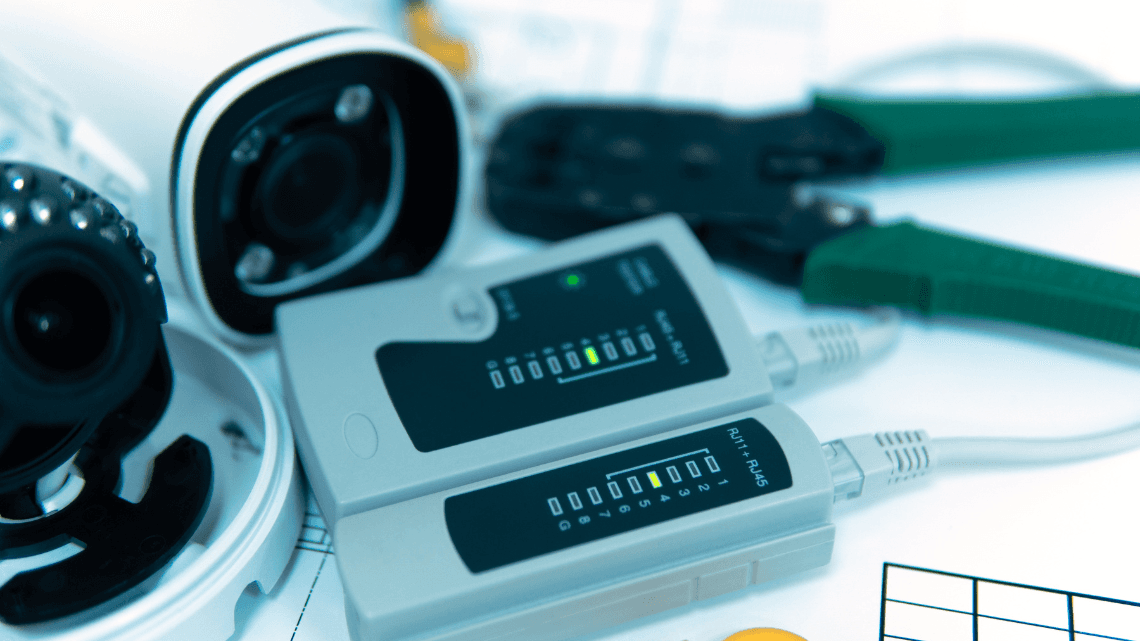
Business security is immediately compromised when CCTV systems malfunction. As the owner/manager of your business, it’s best to understand how to identify and resolve technical issues that can happen to a surveillance system, so that surveillance coverage is not interrupted.
ISSUES/SOLUTIONS | |||
Common Video Loss Issues
| SYMPTOMS
| COMMON CAUSES
| SOLUTIONS
|
Storage and Recording Issues
| COMMON PROBLEMS
BEST PRACTICES
| SOLUTIONS
PREVENTIVE MEASURES
| |
Network and Connectivity
| COMMON PROBLEMS
TROUBLESHOOTING STEPS
| SOLUTIONS
BEST PRACTICES
| |
System Integration Challenges
| COMMON ISSUES
BEST PRACTICES
| SOLUTIONS
| |
Maintenance Solutions
|
|
Quick Troubleshooting Guide
Issue | First Response | Secondary Check | When to Call Professionals |
No Video | Check power & cables | Verify camera settings | If basic checks fail |
Poor Quality | Clean the lens & check the focus | Review network settings | Persistent quality issues |
Recording Failure | Check storage space | Verify recording settings | Data recovery needed |
Network Issues | Test network connection | Check IP configuration | Complex network problems |
Environmental Factors and Protection
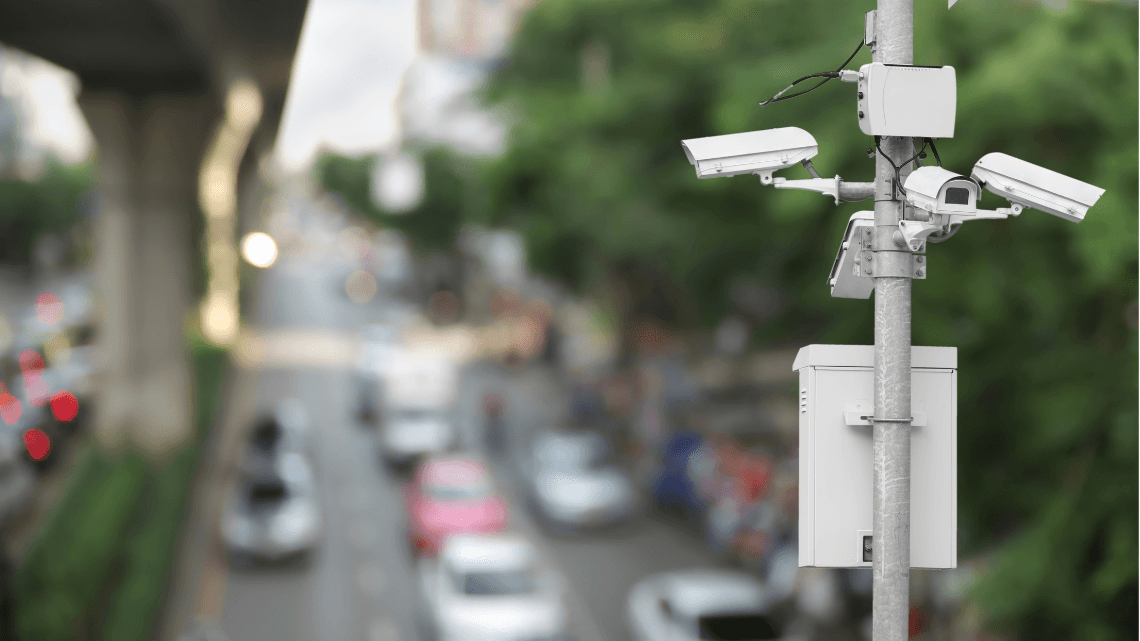
Environmental challenges can also impact the performance and longevity of your CCTV system. Learn about these challenges and find ways to protect your system from external factors.
Lighting Challenges
A potential lighting challenge is managing excessive glare. There are three (3) common problems concerning this.
Direct sunlight causing overexposed footage
Reflections from glass or metallic surfaces
Inconsistent lighting conditions throughout the day
Here are some solutions you can try to manage glare.
You can install adjustable sun hoods or shields.
Use cameras with Wide Dynamic Range (WDR) technology.
Position the camera in a way that it avoids direct sunlight.
Implement auto-iris or smart IR features
Best practices in low-light environments:
Deploy infrared (IR) illuminators for night vision
Use cameras with low-light sensitivity
Install additional lighting in critical areas
Regular testing of night vision capabilities
Optimisation tips worth trying:
Adjust camera sensitivity settings
Balance artificial lighting placement
Monitor and maintain IR illuminator performance
Regular cleaning of IR sensors
Weather Protection
Protect your surveillance system from humidity and rain. For prevention, you can do the following:
Use IP66 or higher-rated camera housings
Install proper drainage around outdoor cameras
Regular inspection of weather seals
Apply moisture-resistant treatments
As for the maintenance, we have four (4) points for you to consider.
Monthly inspection of waterproof seals
Cleaning of water drainage points
Check for condensation inside the housing
Verify housing ventilation systems
Extreme temperatures (too much heat or too cold) are also an enemy of your security system.
Install sunshields for outdoor cameras.
Use cameras rated for tropical climates.
Ensure that there’s proper ventilation.
Regularly monitor the temperature.
Install fan-equipped housings.
Use temperature-controlled enclosures.
Clean ventilation systems regularly.
And lastly, you need to physically protect your CCTV system from vandalism, either through hardware solutions or additional security.
Install vandal-proof camera housings.
Use impact-resistant covers.
Secure cabling in conduits.
Mount cameras at appropriate heights.
Install tamper detection systems.
Use security screws and locks.
Implement backup power systems.
Conduct regular physical security audits.
The key metrics to track are temperature readings, humidity levels, water exposure, and impact incidents. Refer to the quick guide below for ideas on equipment protection.
Environmental Factor | Required Protection | Maintenance Frequency | Warning Signs |
Direct Sunlight | Sunshields, WDR | Monthly | Image washout |
Rain/Humidity | IP66+ Housing | Weekly | condensation |
High Temperature | Ventilation System | Daily | System alerts |
Vandalism | Tamper-Proof Housing | Weekly | Physical damage |

Cybersecurity and Data Protection
Your CCTV system should also be safe from cyber-threats, not just physical threats. Remember that a security breach in your surveillance system compromises your video footage and your entire business network.
Common Security Vulnerabilities
Network-level risks
Open ports and protocols
Unsecured network ports
Default protocol settings
Unnecessary service exposure
Improperly configured firewalls
System-level weaknesses
Authentication issues
Default passwords still in use
Weak password policies
Shared login credentials
Lack of multi-factor authentication
Device vulnerabilities
Camera security
Factory-default settings
Outdated firmware
Unsecured remote access
Unencrypted data transmission
Essential Security Measures
Access Control Implementation
User Management
Create unique user accounts
Implement role-based access
Regular access review
Immediate removal of former employees
Password Security
Strong password requirements
Regular password changes
Password management system
Multi-factor authentication
Network Security
Network Segregation
Dedicated VLAN for CCTV
Network traffic monitoring
Firewall configuration
Regular security audits
Remote Access Security
VPN implementation
Encrypted connections
Access logging
IP whitelisting
Data Protection Protocols
Storage Security
Physical
Encrypted hard drives
Secure server rooms
Access logging
Regular backup procedures
Cloud
End-to-end encryption
Secure data transfer
Regular security updates
Compliance verification
Footage Protection
Access Controls
Authorised viewing only
Audit trails for footage access
Secure export procedures
Watermarking of exported footage
Retention Policies
Compliant retention periods
Secure deletion procedures
Archive management
Regular policy review
Best Practices Checklist
Security Aspect | Required Action | Frequency | Responsibility |
Passwords | Update and audit | Quarterly | IT Security |
Firmware | Check and update | Monthly | System Admin |
Access Review | Audit user access | Monthly | Security Manager |
Network Security | Security scan | Weekly | IT Department |
Conclusion
Many CCTV issues can be resolved in-house. However, some situations require the expertise of professionals. D-Ron provides comprehensive CCTV solutions and support services, including IT network solutions and uninterruptible power supply. Secure your business with us! Contact us here.